
How do I open an online store if I already sell on Instagram?
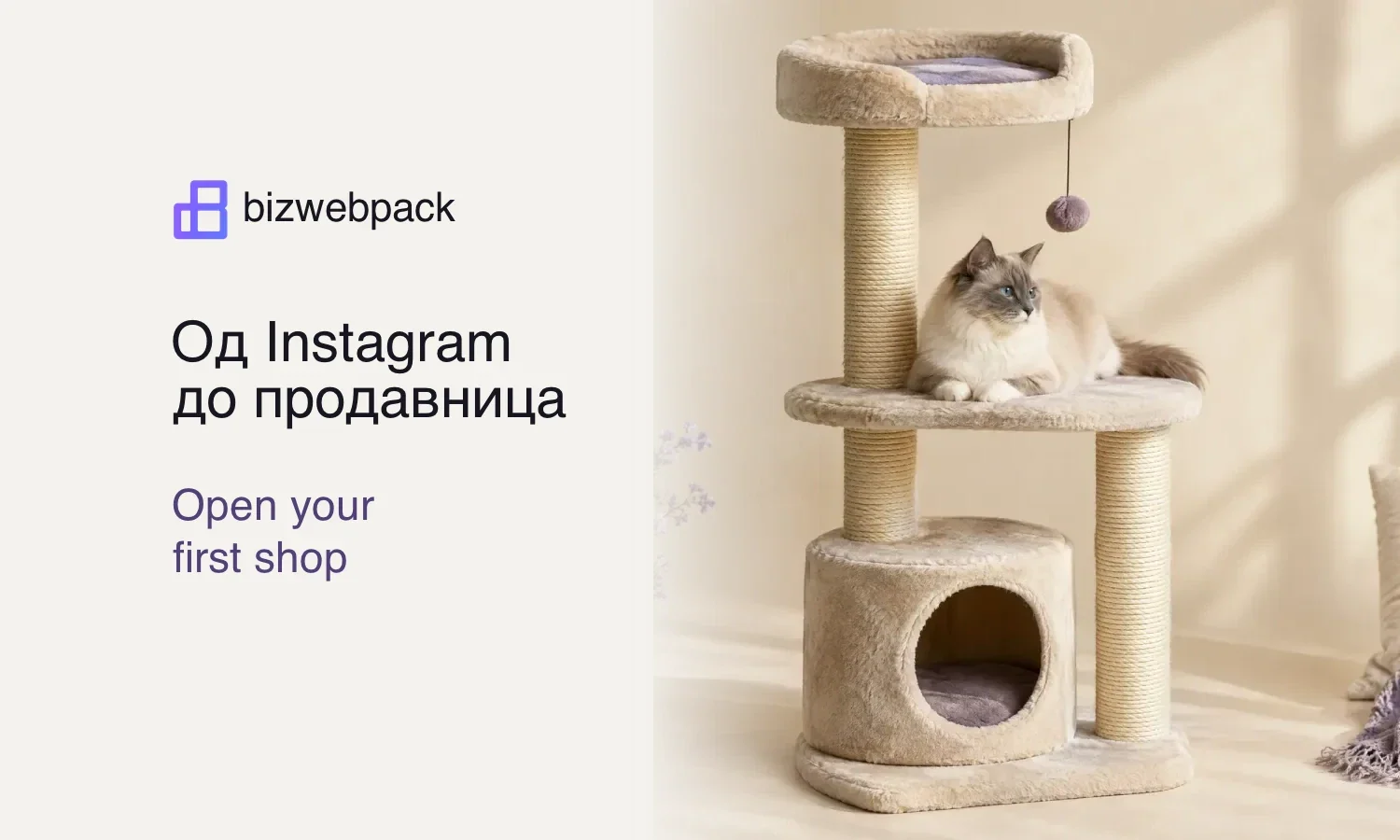
Start with one product people already buy through your DMs. Your first shop is ready to share when someone on a phone can recognise that item, see the total and receive an order confirmation. The rest of your catalogue can follow once you have sent the first orders.
Which product should go live first?
Read the last ten conversations that ended in a sale. Pick a product that comes up repeatedly, and that you have ready to ship. Write down what buyers asked before saying yes. For a cat scratching post, “Will it fit beside my armchair?” tells you to put the footprint on the page.
| Question from a DM | What to put on the page |
|---|---|
| “How much space does it take?” | Width, depth and height in centimetres. |
| “Is it the same beige?” | A photo of the model you will ship and its colour name. |
| “How much is it delivered?” | The item price and the delivery charge to the buyer’s town. |
Try buying from your own phone
Open the shop as a visitor. Choose the item, enter a delivery address and read the amount above the last button. Place one test order with your own details. Match the order number on the confirmation to the one in your shop, then cancel the test and check the stock count before sharing the page.
What should the first story say?
Use a photo your followers recognise. Label the link with the question the page answers, such as “See the scratching post dimensions and delivered price.” Save that product link as a quick reply for the next person who asks about the same model.
Gather one product’s details before building the page
Put the scratching post next to the box you will actually send it in. Measure the base in both directions, its assembled height and the packed box. Write down whether it ships assembled, what parts arrive and whether the customer needs a tool. If the cushion in the photo is sold separately, say so beside the photo. A detail you usually explain in the third message of a conversation will then reach someone who shops after you have finished work.
A useful opening line might be “Beige scratching post with a 40 × 40 cm base, 65 cm tall when assembled.” Replace those example dimensions with your measurements. Then explain the two features visible in the photo. Whether the platform fits beside a window is more useful to the shopper than reading the word “premium” twice. Offer only the colours and sizes you can actually fulfil in the product selector.
What else does a one-product shop need?
A buyer adds the scratching post to her basket but is leaving town on Friday. Explain where she can check dispatch timing or ask about her town. Separate the time you need to prepare the order from the courier’s delivery estimate. If assembly takes two days before collection, those days belong in the estimate too. Show the available payment methods and a contact route for a damaged delivery or a missing part.
Open the contact details on a customer’s phone. Is the email correct, does the published number reach someone who handles orders, and does the link to your terms open? Check the trader information and sales terms that apply to your own business before launch. Copying another store’s wording can leave you promising a returns process or courier service that belongs to a different company.
The first evening after you share the shop
Note which post brought the first buyer if you know. Read the confirmation they received and check that it identifies the model, amount and next step. Hand the confirmation to whoever packs the order without explaining it first. If they have to ask you which colour to pack or where to send it, fix that field before uploading another ten products.
At the end of week one, list what sold without a message, what sold after another question, and what people wanted but could not find in the shop. The second list gives you edits for the current page. The third tells you what to list next. If several buyers asked for a replacement post for the same cat tree, that part is a better candidate for your next listing than a random item from the catalogue.
How to tell the shop is ready to share
Ask someone unfamiliar with your catalogue to order the beige model for delivery to another town. Give them only the profile link and watch where they stop. If they cannot find the colour, the problem is on the product page. If they choose the colour but cannot tell whether you deliver to their address, edit the shipping information. Write down the first point where you had to explain something.
Repeat that task after the edit. Once a new buyer can choose the right model and delivery option, and you can pack the right item from the confirmation, share the link with the first group of followers. Keep the same test for the next product, substituting its own measurements and price.